Introduction
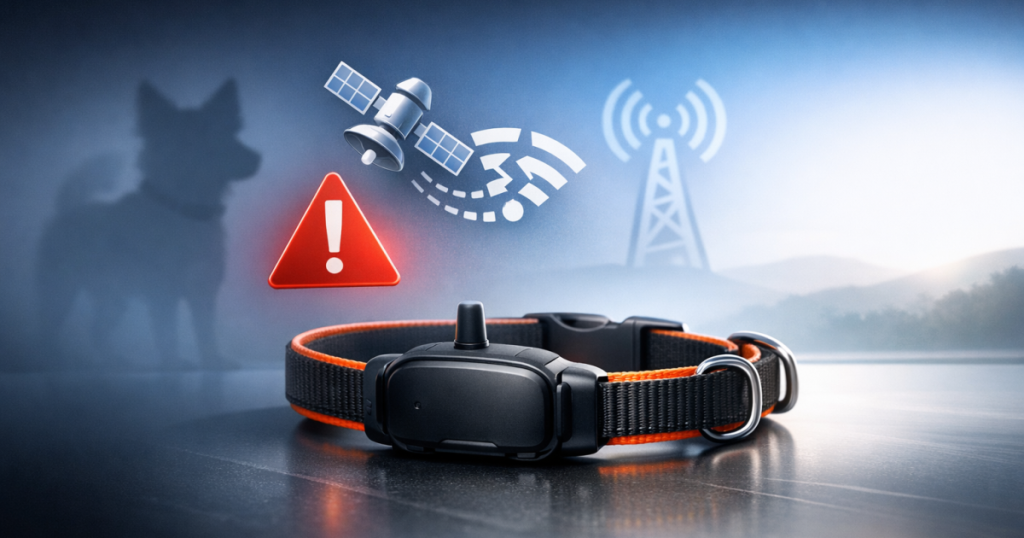
Having a trustworthy GPS dog tracker can really help put your mind at ease. However, connectivity issues can crop up from time to time, causing concern for your furry friend’s safety. Fortunately, troubleshooting these connectivity hiccups can be quite straightforward if you follow the right steps. Below, you’ll find some useful tips for diagnosing and fixing common problems. If you’re comparing options, focus on what matters most for GPS dog tracker connectivity issues.
At a glance
- Check for cellular coverage in your area.
- Ensure your device is fully charged.
- Update the GPS tracker firmware regularly.
- Verify the mobile app settings and connections.
- Restart your GPS device and mobile phone.
- Review potential obstacles that could interfere with the signal.
- Consult customer support if problems persist.
Troubleshooting Steps
1. Check Cellular Coverage
Often, the main reason your GPS dog tracker might lose its signal is poor cellular coverage. It’s worth checking if your device’s service provider covers your area—most providers have coverage maps on their websites. If you’re in a remote location with limited coverage, you might want to consider a GPS tracker that includes satellite connectivity.
2. Ensure Your Device Is Charged
A low battery can often lead to connectivity issues. Double-check that your GPS dog tracker is fully charged. Many devices will notify you through the app or via LED indicators when the battery is getting low, so do keep an eye out for those alerts.
3. Update Firmware and App
With technology constantly advancing, your GPS tracker may need updates to perform at its best. Ensure you regularly check for firmware updates from the manufacturer and also keep the mobile app updated. Outdated software can sometimes be the culprit behind connectivity problems.
4. Verify Mobile App Settings
Occasionally, the issue might stem from your mobile app settings. Make sure that all necessary permissions for location tracking and notifications are enabled. If location services are turned off on your smartphone, this could disrupt the connection with your GPS device.
5. Restart Your Devices
Sometimes, a simple restart can do wonders for troubleshooting GPS dog tracker connectivity issues. Restarting both the GPS device and your mobile phone can often sort out minor glitches that may be interrupting your connection.
6. Look for Obstacles
Be mindful that physical barriers can obstruct the GPS signal. Things like dense foliage, tall buildings, or certain terrains can interfere with signal strength. If you’re in such an area, try moving to a more open space to see if that helps with the connection.
7. Contact Customer Support
If none of these steps resolve the issue, it might be wise to reach out to the customer support team for your GPS tracker’s brand. They’ll be able to offer tailored advice and troubleshooting steps specific to your model.
Another handy tip is to recalibrate your GPS dog tracker now and then. Like any electronic gadget, these trackers can perform better with regular calibration. Many have a built-in feature for this, so refer to your user manual for instructions. This process can boost the reliability of the tracking service, particularly if you’ve noticed oddities in the location reporting.
Also, you might want to consider investing in a GPS dog tracker that offers real-time tracking features. For instance, some models (check price on Amazon) provides live updates about your pet’s location, which can be really reassuring during walks in unfamiliar settings. This way, not only can you track accurately, but you can also receive immediate alerts if your dog strays beyond a designated safe zone—giving you that extra peace of mind.
Lastly, make it a habit to check the app on your smartphone regularly. App-related issues can sometimes affect how well the tracker operates. Look out for updates specifically for the app, and remember to clear its cache now and then to help ensure smooth functioning. Keeping both the app and your GPS device in tip-top shape can greatly improve your tracking experience.
Related reading
- Guide to Setting Up GPS Tracking for Your Dog
- Heartwarming Stories: How GPS Dog Trackers Have Saved Lost Pets
- Steps for Maintaining Your GPS Dog Tracker’s Battery Performance
Key takeaways
- Connectivity issues may arise from poor cellular coverage. (especially for GPS dog tracker connectivity issues)
- Regularly charge your GPS dog tracker to prevent battery-related problems.
- Keep software updated for optimal performance.
- Check your mobile app settings for any restrictions.
- Environmental factors can affect signal quality.
- When in doubt, don’t hesitate to reach out to customer support.
FAQ
What should I do if my GPS dog tracker shows a lost signal?
First, check for cellular coverage and make sure your device has enough charge. Restart both the GPS tracker and your smartphone to see if that helps re-establish the connection.
How can I check if my device needs a firmware update?
Simply visit the manufacturer’s website or open the mobile app to look for update notifications. Most companies provide information about the latest firmware releases.
Why does my GPS dog tracker lose connection in certain areas?
Connections can often falter in locations filled with dense foliage, tall buildings, or remote spots. It’s smart to verify coverage before heading into new areas.
How often should I charge my GPS dog tracker?
This can depend on how much you use it, but charging your device at least once a week is a good guideline to ensure it’s always good to go.
Is customer support available 24/7 for GPS trackers?
Most manufacturers offer customer support during business hours, so it’s best to check their website for specific details.